
Start with the work
Bring a category, a topic, an existing idea, or a source page. If you only have a rough sense of what you need, the first prompt helps you narrow it to a GPT worth building.
For business owners who want to put AI to work on a real task
Custom GPT Studio guides you through four copy-and-paste steps that turn recurring work in your business into the configuration for one focused Custom GPT.
A Custom GPT is a version of ChatGPT configured for a particular job. The same kind of configuration can also become a Gemini Gem or a Claude Project. Start with work you need to do again and again. The tool helps you shape the configuration, then gives you material to set it up in the AI tool you use.
Browser-based tool. You can run the build prompts in ChatGPT, Claude, Gemini, or another AI assistant. Use the finished configuration in ChatGPT's GPT editor, as a Gemini Gem, or in a Claude Project.
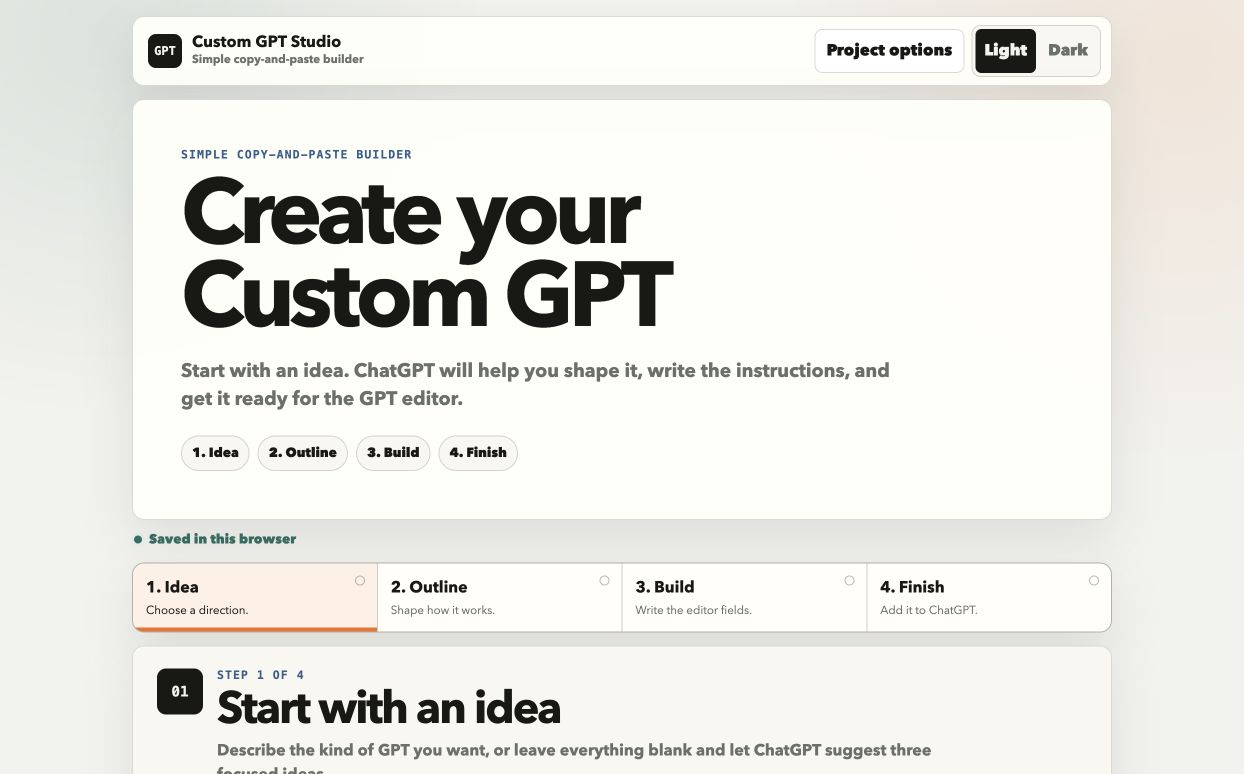
The Four-Step Copy-and-Paste Build Path
You may already have a task that keeps coming back: planning an offer, reviewing something before it goes out, answering the same kind of customer question, or working through a decision with a pile of notes. Custom GPT Studio gives that work a defined job and walks you through building the GPT around it.
Bring a category, a topic, an existing idea, or a source page. If you only have a rough sense of what you need, the first prompt helps you narrow it to a GPT worth building.
Take one chosen idea and turn it into a practical blueprint. You’ll define what the GPT should handle, who it serves, and what a useful result should look like.
Use the next prompt to produce the material the GPT editor needs: a name, a description, conversation starters, Instructions, and recommendations for settings or optional Knowledge files.
Paste the finished configuration into the GPT editor. If you want to keep going, the optional tools help you test the GPT, review Knowledge needs, and create an icon.
A practical first project
If you’re still deciding where AI fits in your business, start with one repeat piece of work you can set up once. Custom GPT Studio keeps the job small enough to finish and gives you a clear place to begin.
The tool creates the prompts and configuration material. You use that material in ChatGPT’s GPT editor. Custom GPT Studio doesn’t ask you to write code.
Start with a category, topic, source page, existing idea, or a blank page. Step 1 can help you find a direction before you commit to building anything.
The core path ends after one focused Custom GPT. It doesn’t turn into a publishing plan, a launch sequence, or a stack of promotional material.
You’ll use your own ChatGPT account to set up the finished GPT.
Questions before you begin
It’s a version of ChatGPT you configure for a particular job. The configuration tells it what role to play, what context to use, and how to respond when you use it.
Custom GPT Studio creates the prompts and configuration material. You can run those prompts in ChatGPT, Claude, Gemini, or another AI assistant. Use the finished configuration in ChatGPT’s GPT editor, as a Gemini Gem, or in a Claude Project.
No. The tool is built around copy-and-paste prompts and the fields inside ChatGPT’s GPT editor.
You can work through the prompts in ChatGPT, Claude, Gemini, or another AI assistant. To set up the finished configuration, you need access to ChatGPT’s GPT editor, Gemini Gems, or Claude Projects. You can begin with a rough idea, a source page, or a task you keep coming back to in your business.
Custom GPT Studio
Pick a task your business returns to often. Custom GPT Studio gives you a focused way to turn that work into your first Custom GPT, then lets you take the finished configuration into ChatGPT and set it up.
Get Custom GPT Studio for $67